LinkedIn Profile Score Checker
Upload your LinkedIn PDF and get an instant 0-100 lead-generation score with section-by-section breakdown and AI improvement tips.
On LinkedIn: your profile → Resources → Save to PDF
Upload your LinkedIn PDF to get started
How to export your LinkedIn profile as a PDF
Takes about 10 seconds. Do this on desktop — the LinkedIn mobile app doesn’t have this option.
- 1
Go to your LinkedIn profile
Sign in to LinkedIn on desktop and click your profile photo in the top nav, then “View Profile”. You should land on
linkedin.com/in/your-name.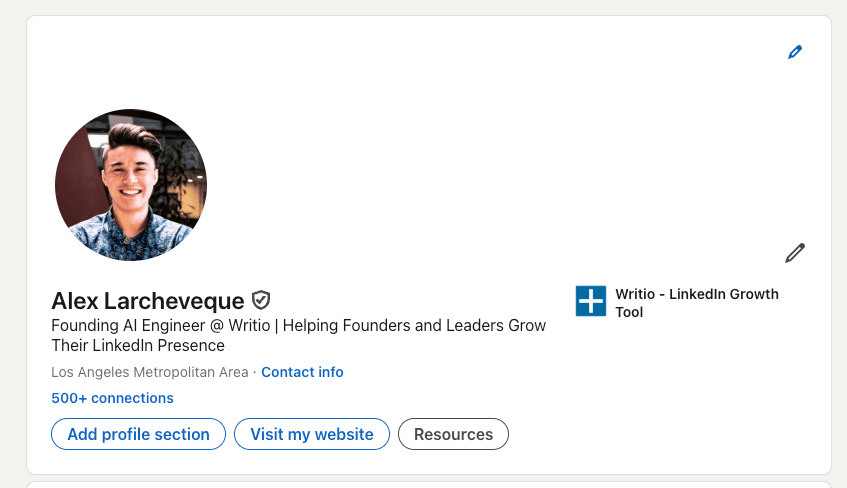
- 2
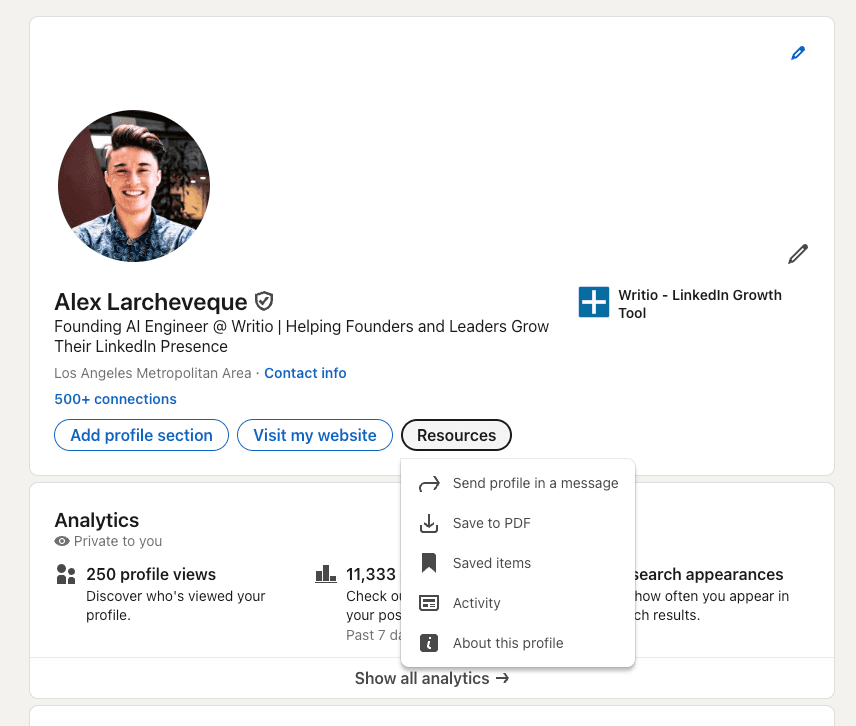
Click the 'Resources' button below your profile header
Just under your name and headline, you’ll see buttons like Open to, Add profile section, and Resources. Click Resources.
- 3
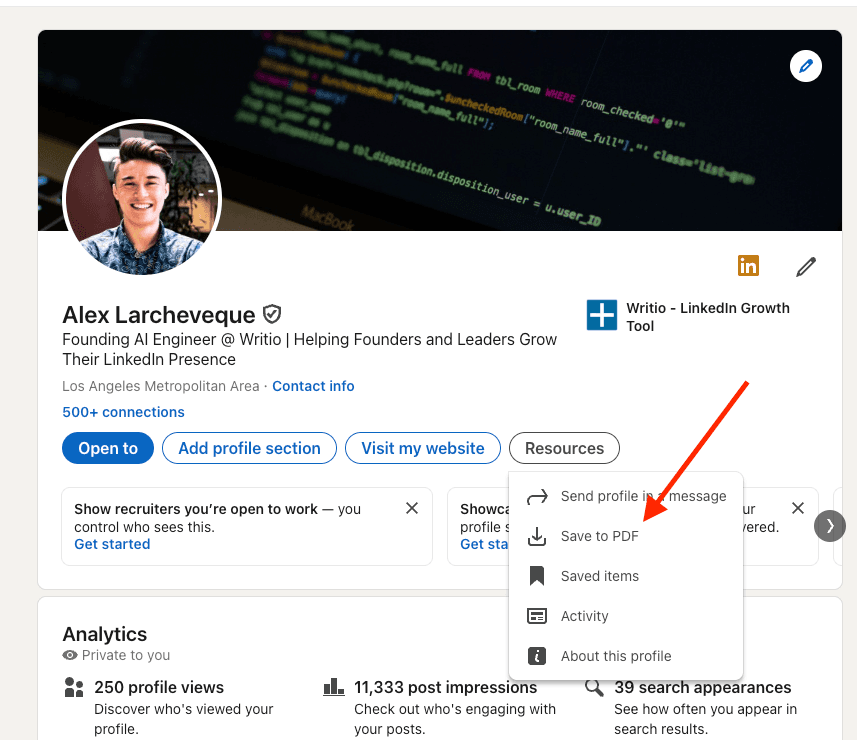
Choose 'Save to PDF' from the dropdown
In the dropdown menu, click Save to PDF. LinkedIn will generate a PDF of your entire profile and download it to your computer (usually the Downloads folder).
- 4
Upload that PDF above
Come back here and drop it into the upload box at the top of this page. Takes under 10 seconds to score.
Can’t find the “Resources” button? LinkedIn’s official guide has the latest steps if they’ve redesigned the UI.
See the framework in action
Here’s what strong vs. weak profile elements look like — real examples of what our scoring criteria reward.
“Marketing Consultant | MBA | Passionate about growth”
No target audience, no measurable outcome, no differentiation. Visitors can’t tell in 5 seconds whether to DM you.
“I help B2B SaaS founders 3x their LinkedIn pipeline in 90 days | 200+ clients served”
Clear audience (B2B SaaS founders) + measurable outcome (3x pipeline in 90 days) + proof (200+ clients). DM-ready in one line.
How scoring works
Your profile is scored across 9 dimensions that predict whether cold visitors convert into DM conversations:
Your PDF is processed in memory to score your profile — we don’t store it.
What to do next
Low headline score? Generate a better one
Headline Generator
Generate a headline that names your audience, promise, and proof.
Don't just score it — fix it, in your voice.
Writio rewrites your headline and About section in your voice to lift your score, then keeps you visible with content that turns profile visitors into conversations.
Avg. +247% impressions · +2.5× engagement